
How to create your free login - Access SMSF Documents PAYG (Pay-as-you-go)
How to create your free login - access SMSF Documents in the Smarter SMSF Document Platform PAYG (Pay-as-you-go)
You can order and pay for only the number of SMSF documents you need, via the Pay-as-you-Go (PAYG) process.
All Smarter SMSF Documents are build by SMSF specialists, Aaron Dunn (CEO) and Chris Hill (Director, Hill Legal). Our documents are designed for practitioners who need the confidence that comes with using best practice SMSF documents drafted by industry leading experts.
You will need to create a free Login first, in order to access the Smarter Platform. You can then search for a particular type of document. There is the option to review a sample document (from a library of 80+) before ordering and paying via the PAYG process. PAYG orders completed via credit card. SSL certificates across website for payments. Orders are delivered by email and available to download from completed orders. Tax invoice automatically sent after order submitted.
The Smarter SMSF Platform leverages SMSF specialisation with technology to help you become efficient when ordering SMSF documents.
Important note: Our Smarter Platform integrates with BGL, CLASS Super and SuperMate software allowing you to save you time and money. Legal support is available through Hill Legal to deal with specific issues.
1. To create your free login, go to Smarter SMSF website: click here
2. From the main menu select ‘Documents’ and then ‘PAYG Sign up’.
 3. Complete your details on the form, confirm you are not a robot and then click the ‘Submit’ button.
 On screen instructions
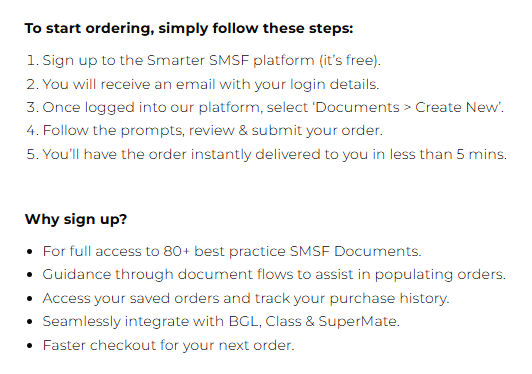
The next screen will confirm your registeration for PAYG.
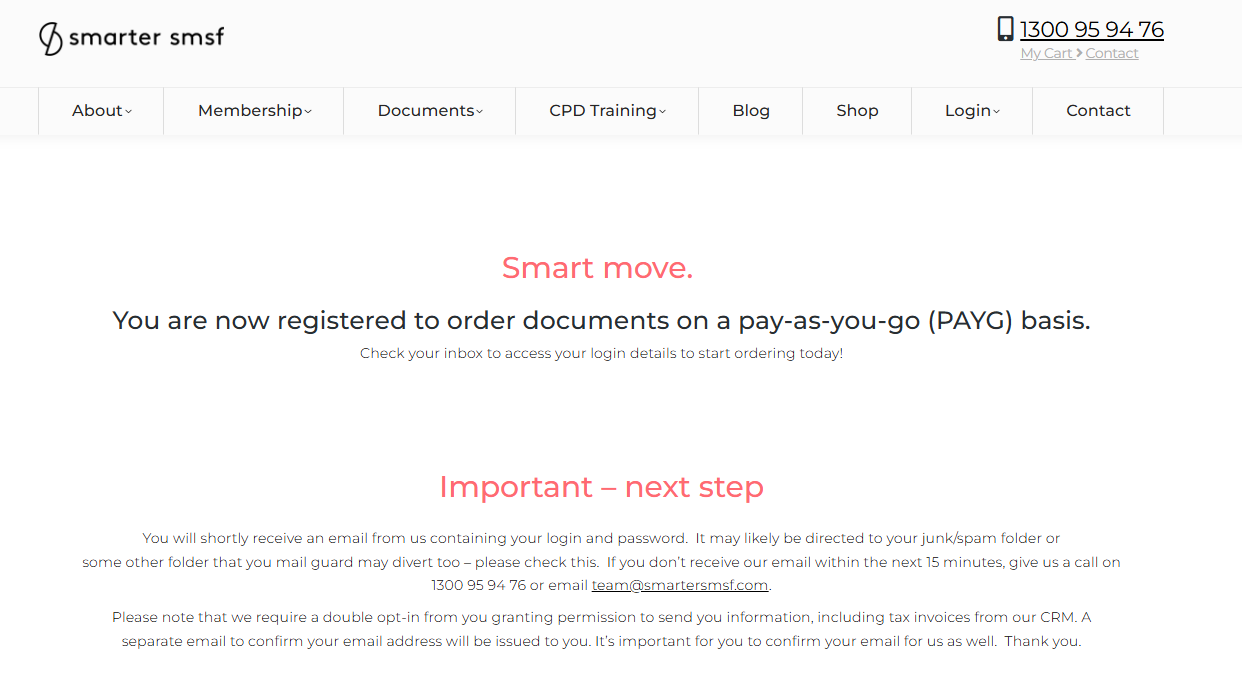
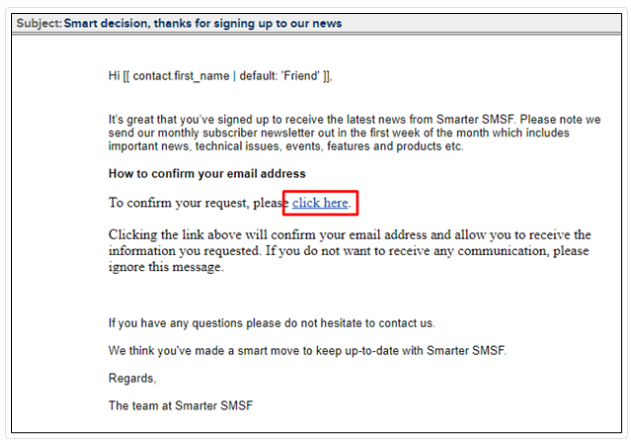
A short time later, you will receive an email requesting you to confirm your email address. It is very important for you to confirm your email address. This is a double opt-in process to ensure you receive email communications directly from us. This may prevent any emails going into your Junk Folder (consistently) or becoming held up in Mail Guard. It will also assist you to receive your important Login information directly.
4. Confirm your email address. Click on the link 'click here' link.
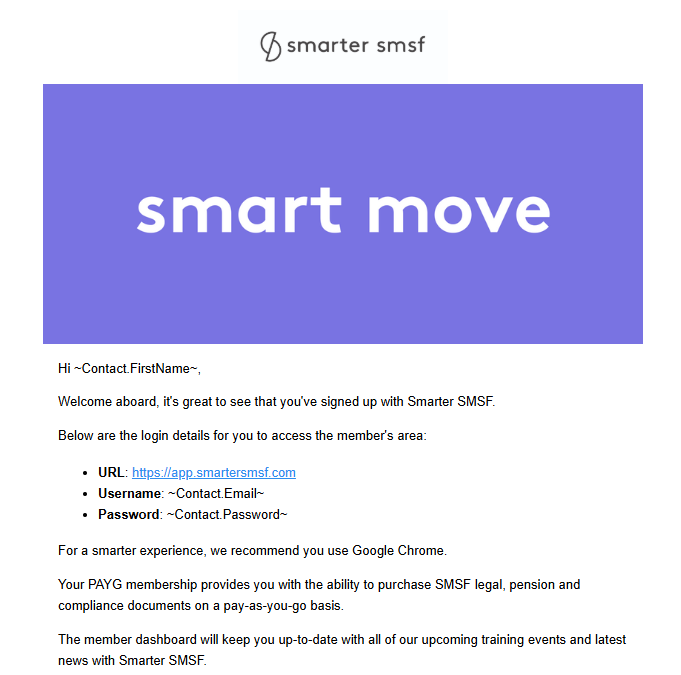
You will receive an email containing your login details. Open the email and note your login details. Your email address is your login ID and view your password.
5. Return to the Smarter SMSF website: Click here